Guest Post: City Lights to Island Nights — A 9-Day KL & Maldives Escape with Jetogo
Why juggle multiple data plans for a multi-country trip? Check out this honest review and 9-day itinerary to see how Jetogo’s global Pay-As-You-Go eSIM handles seamless border crossings from KL to the Maldives.
Editor’s Note: At Jetogo, we love seeing how our users stay connected around the world. We asked one of our frequent travelers to document their experience using our "One eSIM for Life" on a multi-country trip. From the busy streets of Kuala Lumpur to the remote atolls of the Maldives, here is their honest review and 9-day itinerary!
When it comes to vacations, I hate dealing with travel logistics. For our latest annual leave, we wanted to make every day count, so we planned a multi-stop route: starting from our home base in Singapore, flying to Kuala Lumpur (KL) for some street food, and finally heading to the Maldives to completely unplug.
Usually, a trip like this means juggling different data plans—guessing how many gigabytes I need for Malaysia, buying a temporary 3-day tourist eSIM, and then doing it all over again for the Maldives.
This time, I used Jetogo. Instead of buying expiring "data packages," Jetogo operates like a global utility. You install one eSIM forever, top up your balance, and just pay for what you use.
How did it hold up across borders? Here is my full 9-day itinerary, complete with costs, food spots, and my honest thoughts on the connection.
Day 1: Touching Down in KL & Street Art
Skip the Airport Kiosk (The Singapore Backup)
Before this trip, I actually already had the Jetogo eSIM installed on my phone to use as a backup data line back home in Singapore.
Because Jetogo uses a "One eSIM for Life" model, I didn't need to download a new profile for Malaysia. When our plane touched down at Kuala Lumpur International Airport (KLIA), I simply turned off Airplane Mode. My phone automatically picked up the local network. No scanning QR codes, no airport Wi-Fi hunting.
Here are my KLIA Speed Test results:
- Download: 29 Mbps | Upload: 93.18 Mbps
- Ping: 440 ms | Jitter: 100 ms
(Note: Jetogo routes data globally for security, so the ping looks a bit high on paper. In practice, I was booking my Grab, updating Instagram, and loading Google Maps with zero lag.)
We took a Grab to the Intermark Hotel in the city center (a 50-minute ride for about 80 RM / $17 USD).
After dropping our bags, we headed straight to the Central Market. It’s a great spot for local crafts, but the surrounding streets are the real draw, covered in vibrant graffiti. We then walked to Petaling Street (Chinatown), stopped by the heritage alleyway Kwai Chai Hong for photos, grabbed some fresh Malaysian durian by the roadside, and walked past the stunning Sri Mahamariamman Hindu Temple.
Dinner & A Quick Pro-Tip
For dinner, we hit up Taste of Medan for some Indonesian food. The place was packed. We had their signature Nasi Lemak with coconut chicken. It was exactly what we needed, and at only 20 RM ($4) per person, it was incredibly cheap.
Traveler Tip: Getting a Grab around Petaling Street at night is tough due to heavy traffic. Book your ride well in advance, or walk a few blocks away from the main crowd before requesting a car.
Day 2: City Landmarks & Seafood Feasts
We took it slow today. We headed to Pavilion KL for lunch and picked up a few extra summer clothes.
In the afternoon, we walked a classic KL sightseeing loop: Masjid Jamek ➔ Merdeka Square ➔ River of Life. The Moorish architecture of the mosque is beautiful, and the colonial buildings near the square make for a great walk. We ended up at the "River of Life" just before sunset.
For dinner, we went back to Pavilion to try the famous Fei Fei Crab. We ordered their signature crab, clams, and a massive seafood omelet. It cost us just over 400 RM (~$85 USD) for two—a solid splurge for our last night in the city.
Day 3: Hello Maldives!
We landed at Malé International Airport at 2:00 PM.
This was where the Jetogo setup really showed its value. With traditional travel eSIMs, I would have had to install a new "Maldives Profile."
With Jetogo, I did absolutely nothing.
As we walked off the plane, the exact same eSIM I used in Singapore and KL automatically detected the border crossing and locked onto the local Maldivian network.
Maldives Speed Test:
- Download: 198 Mbps (Surprisingly fast for an island!)
- Upload: 68 Mbps
- Ping: 340 ms | Jitter: 90 ms
We found our hotel coordinator and hopped on a speedboat to Maafushi (a local island). The ride took 55 minutes and cost $20/person.
💰 Currency Tip: Bring USD cash! Once you reach the local island, exchange some of it for the local currency (Rufiyaa). Paying for snacks or local meals in Rufiyaa gets you a much better exchange rate. However, keep some USD handy, as many excursions and bigger restaurants only accept US Dollars.
We spent the afternoon walking the beach and had dinner at Moonlight. We shared a pasta dish and a massive meat platter for just $26 total.
Day 4: "God's Fish Tank" & Coral Garden & The Sandbank
We set sail by 8:30 AM for a full day of snorkeling.
Route: God's Fish Tank ➔ Coral Garden ➔ White Sandbank
(Note: This tour usually includes Nurse Sharks, but since it was their breeding season, the local guides responsibly swapped it for the Coral Garden.)
I have never seen so many fish and living corals in my life. We ended the tour taking photos on a white sandbank fading into the water, and having lunch right on the beach.
The tour was $75/person. We had 12 people on the boat and a solid crew of 4 guides—two dedicated solely to taking GoPro photos for us, and two monitoring our safety in the water.
Day 5: Swimming with Sharks & Shipwrecks
Route: Nurse Shark Bay ➔ The Shipwreck ➔ Stingray Beach
We got lucky—the Nurse Sharks were back in the bay. Swimming alongside dozens of massive sharks was an adrenaline rush, but they are totally calm around humans. The new shipwreck dive site was equally cool, feeling like a scene from a movie. We finished up by watching stingrays near the shore and were back by 2:00 PM.
One unexpected bonus: even while we were miles out in the ocean moving between snorkel spots, I had a surprisingly strong signal. I was actually uploading videos to my family group chat right from the boat using my Jetogo data.
Day 6 to 9: Seaplanes & Actually Relaxing
After the active days on Maafushi, it was time to just rest.
We hopped on a seaplane to our private resort island. For the next few days, the itinerary was delightfully empty. We just rotated between sleeping, eating, snorkeling off our water villa deck, and watching the sunset.
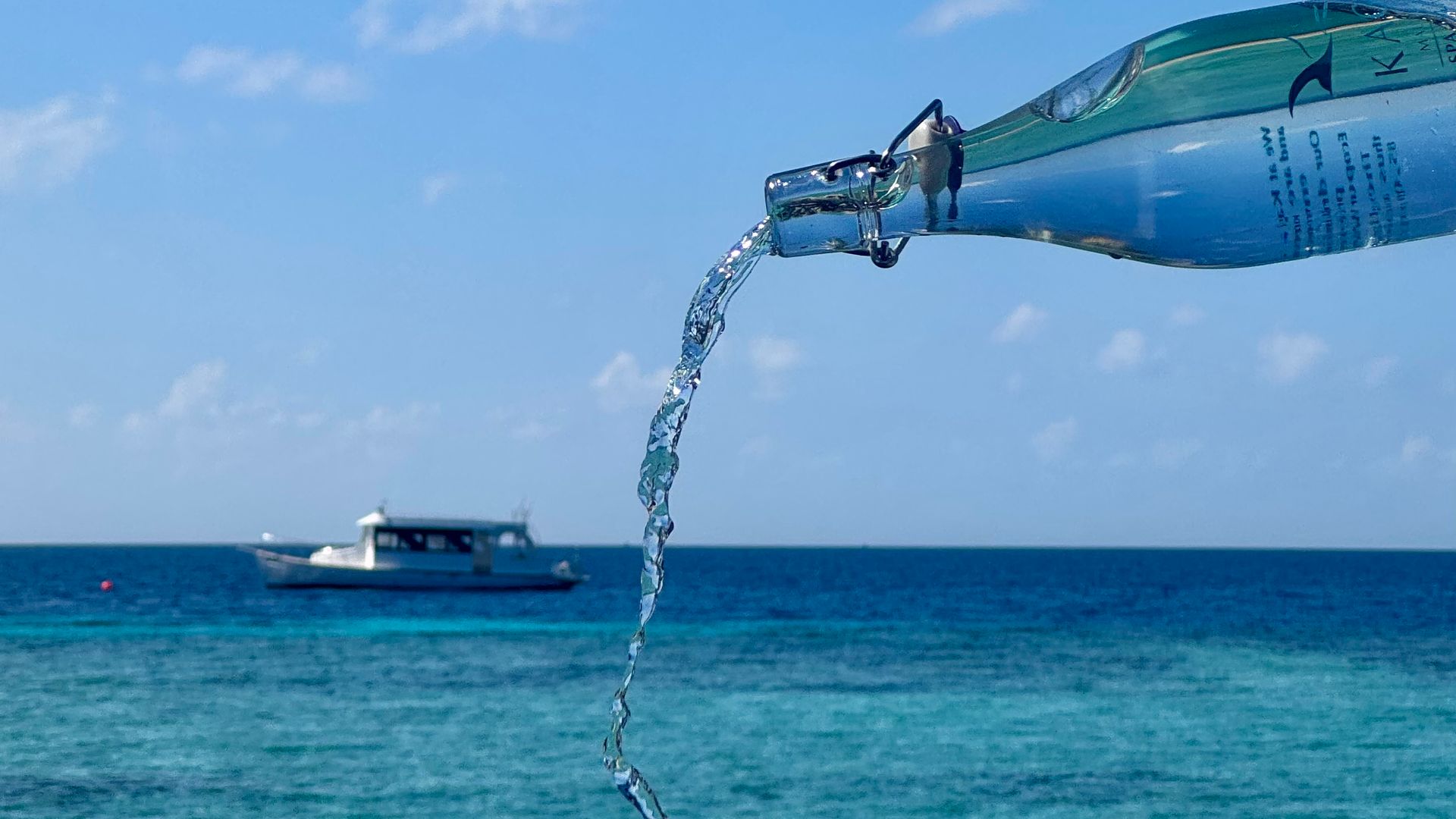
I barely used my mobile data during these last few days because Kagi has excellent Wi-Fi covering the entire island. But this actually made me appreciate Jetogo's Pay-As-You-Go model even more. Because I wasn't using cellular data, I wasn't paying for it. My remaining balance just sat there safely in my account, ready for my flight home, instead of expiring and going to waste like a typical 7-day tourist plan.
Final Verdict: The Easiest Way to Handle Multi-Country Travel
Here is why this setup works so well for trips like this:
- No Data Waste: I didn't have to guess how much data I needed for my 2 days in Malaysia. I just used my global balance, and it deducted exactly what I used.
- Seamless Border Crossings: Using the same connection in Singapore, KL, and the Maldives without ever touching my phone's cellular settings was a huge relief.
- Zero Clutter: Don't need to delete expired eSIM anymore. I am just leaving this one Jetogo eSIM installed on my phone permanently.
If you are tired of buying disposable data packs every time you cross a border, it’s worth upgrading to a single connectivity utility.